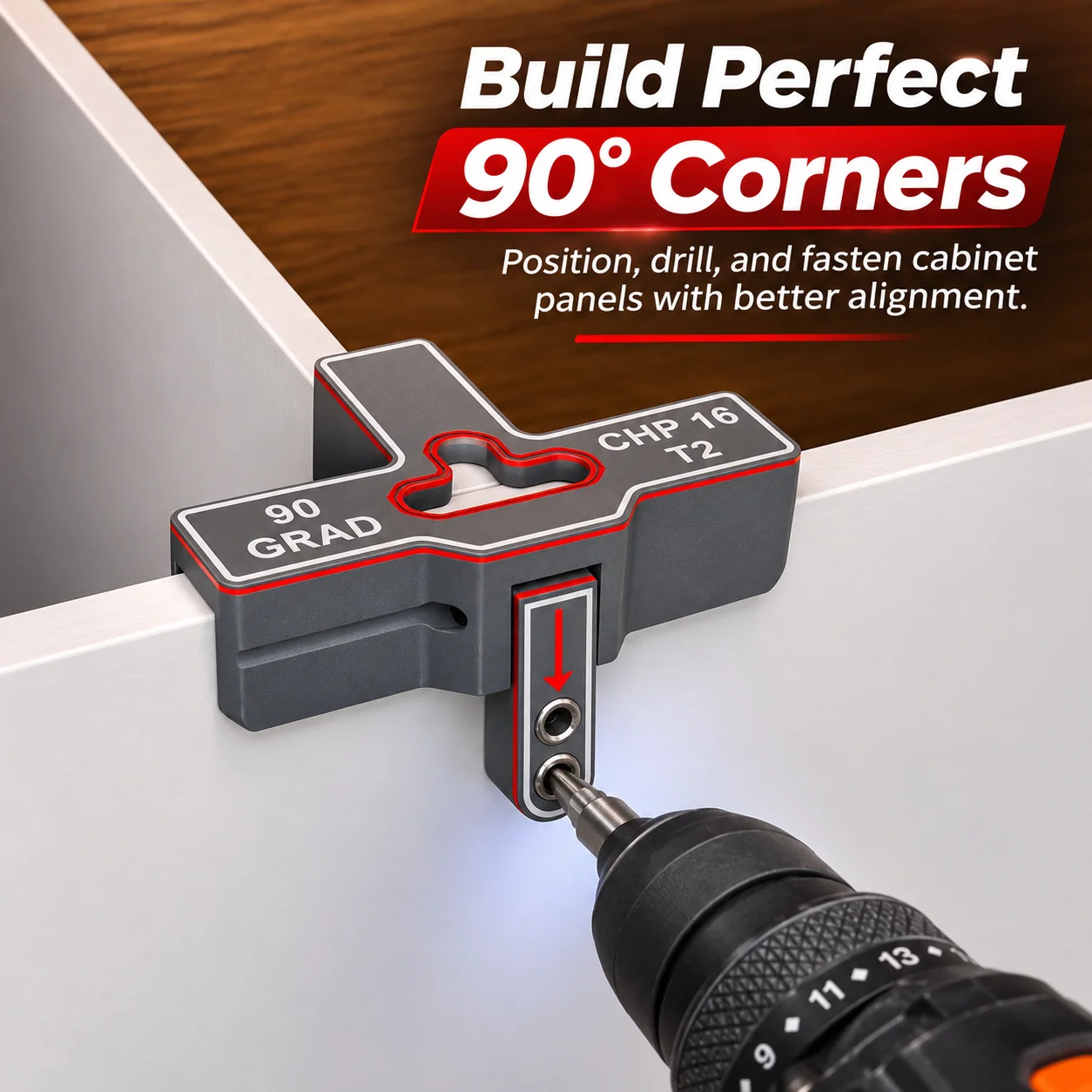
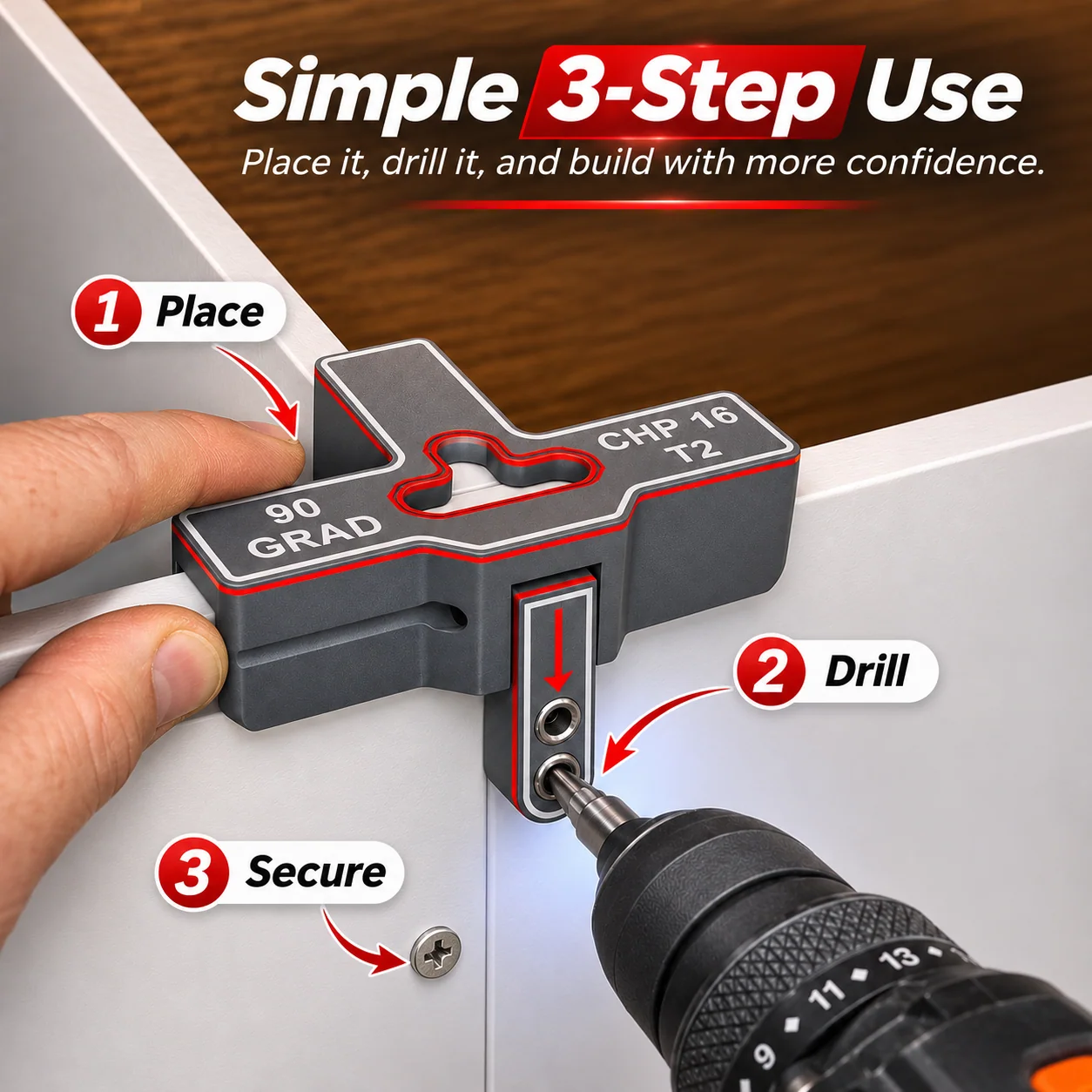
Holding two panels at a right angle while planning drill holes isn't always simple. A positioning guide gives you a practical reference point.
📐 90° Reference Position the tool against a perpendicular panel joint.
🔩 Guided Hole Placement Use the metal-lined holes to guide a suitable drill bit.
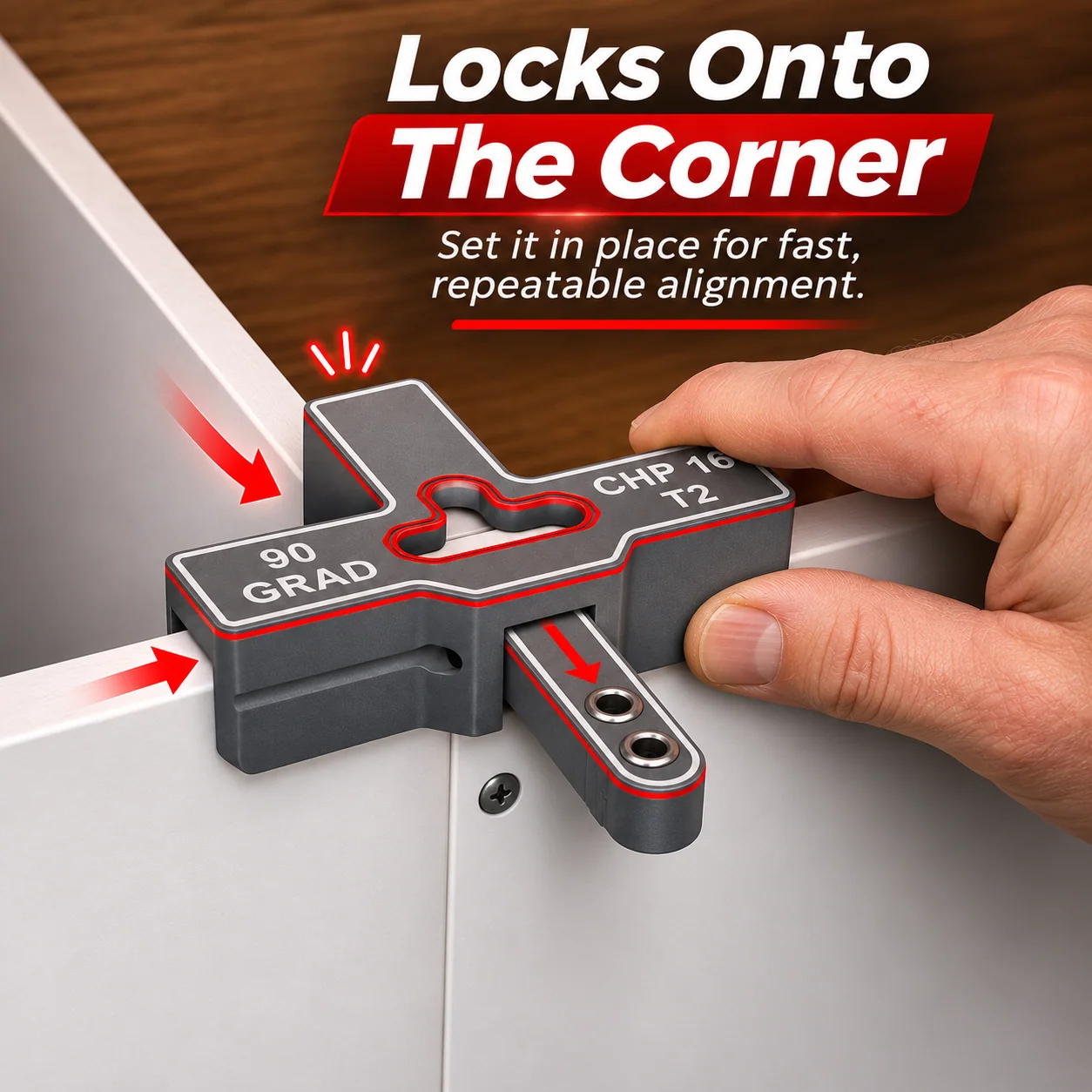
📐 LOCATE THE CORNER
Place It Against the Right Angle.
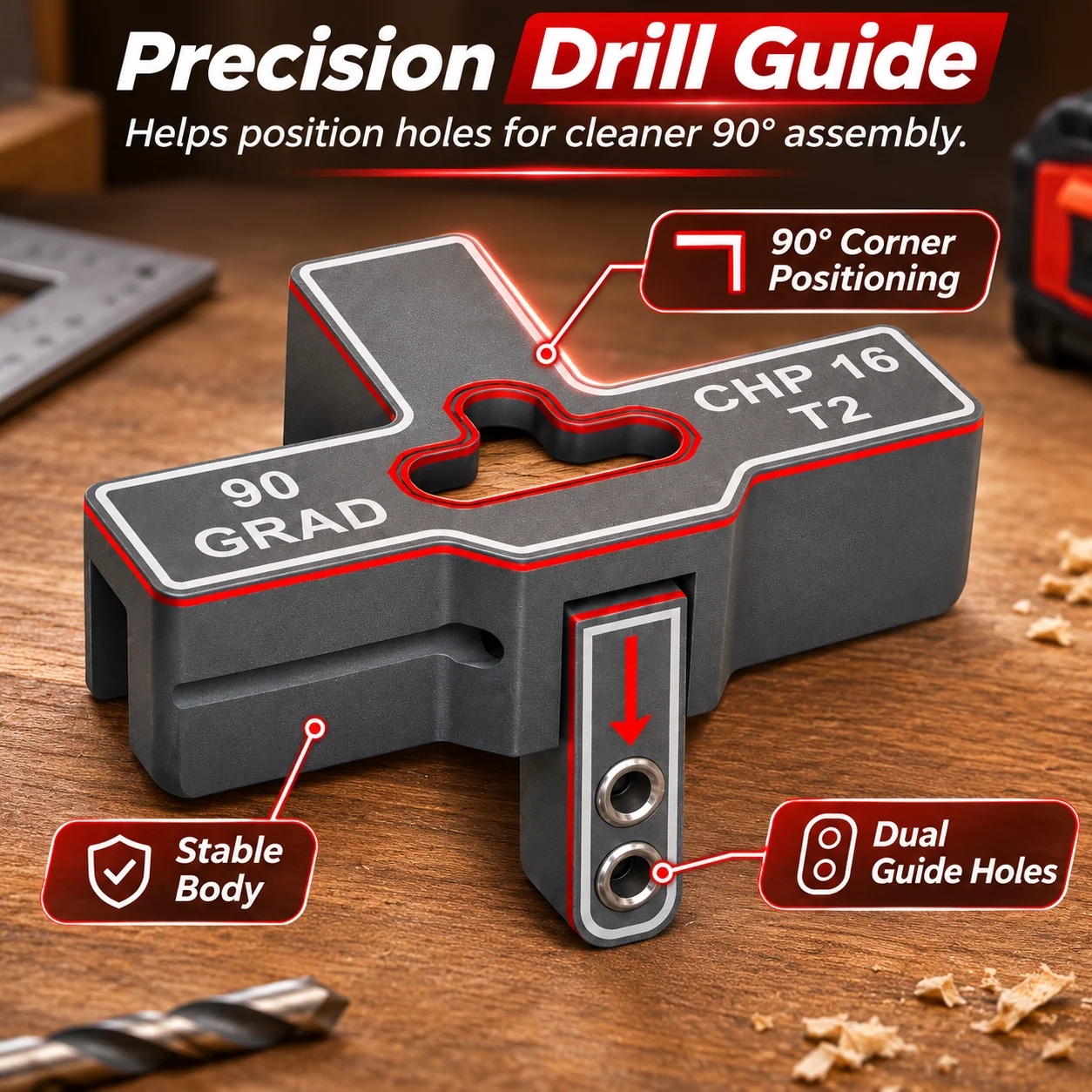
The stepped body sits across a corner formed by two panels, providing a reference for repeated positioning.
🔩 THE DRILLING GUIDE
GUIDE THE BIT. POSITION THE HOLE.
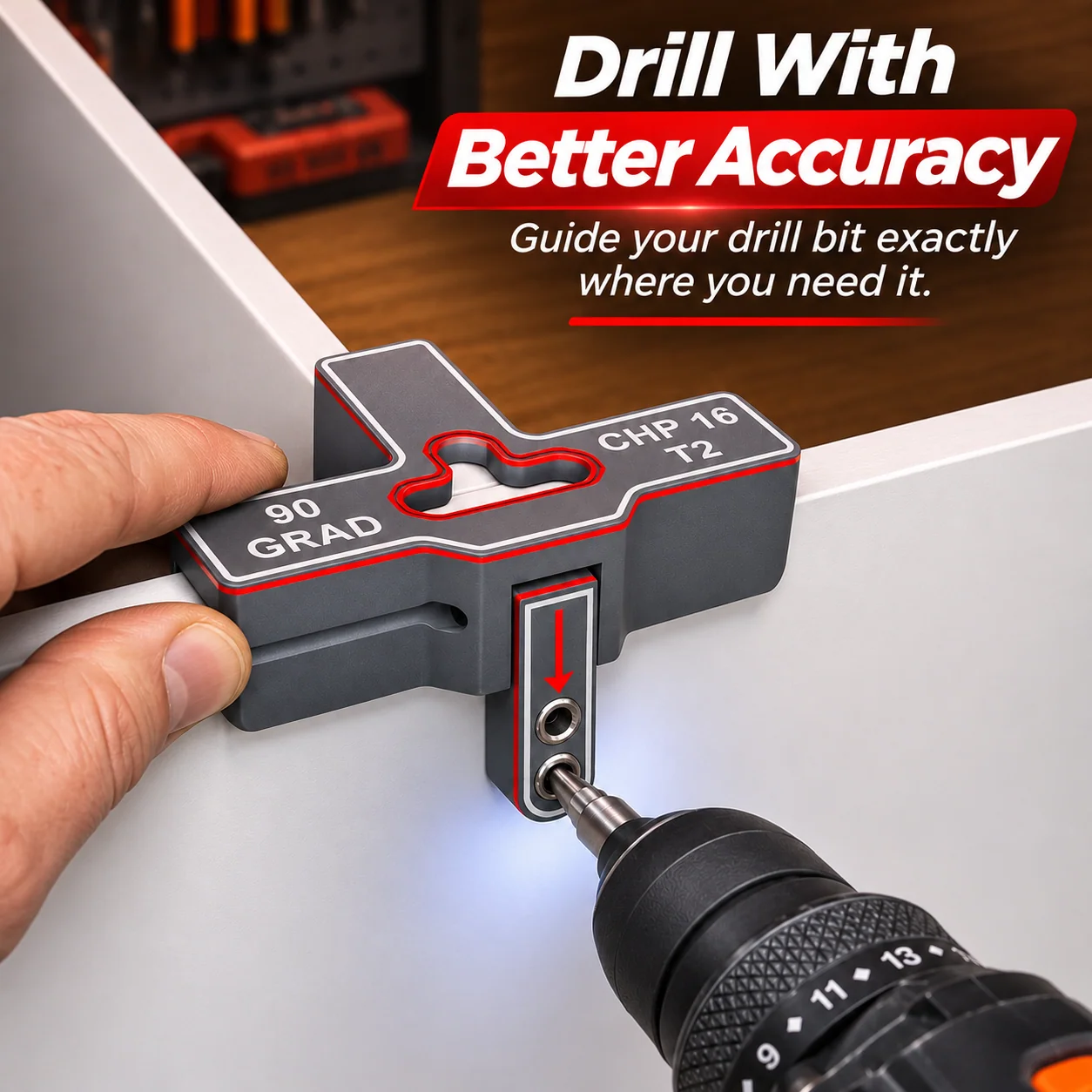
The extending arm features two metal-lined guide holes for positioning a suitable drill bit at the panel joint.
For best results, secure the workpieces and use a bit appropriate for the material and hardware.
🪛 KEEP THE JOINT IN MIND
From Positioning to Fastening.
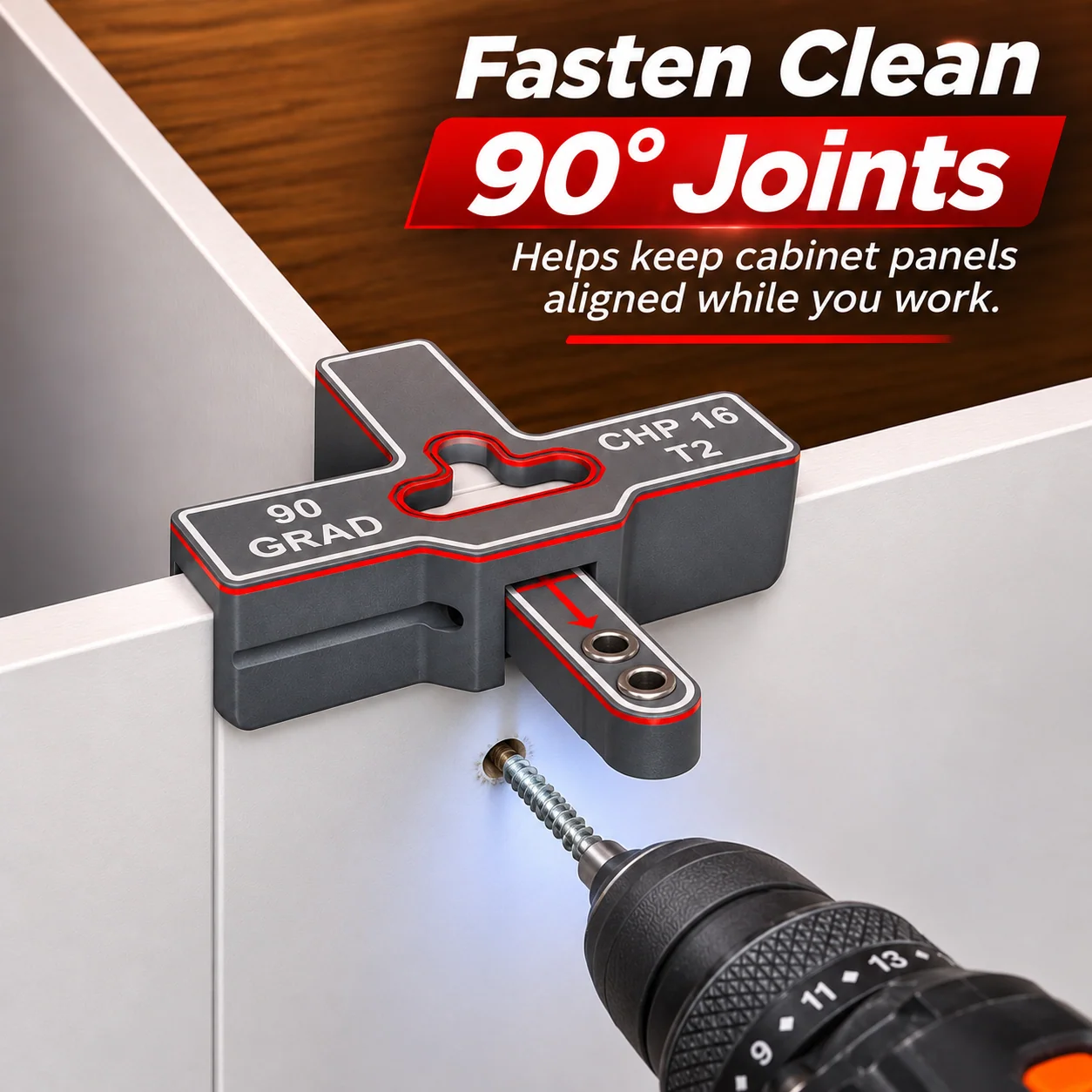
Use the guide to prepare the drilling location before joining compatible cabinet panels with suitable fasteners.
🪚 Panel Alignment Reference the corner during drilling prep.
🔧 Fastening Prep Mark or drill for the intended connection.
✅ SIMPLE WORKSHOP WORKFLOW
Place. Drill. Secure.
A straightforward sequence for preparing suitable right-angle cabinet joints.
📐PLACE
›
🔩DRILL
›
🪛SECURE
🗄️ MADE FOR CABINET PROJECTS
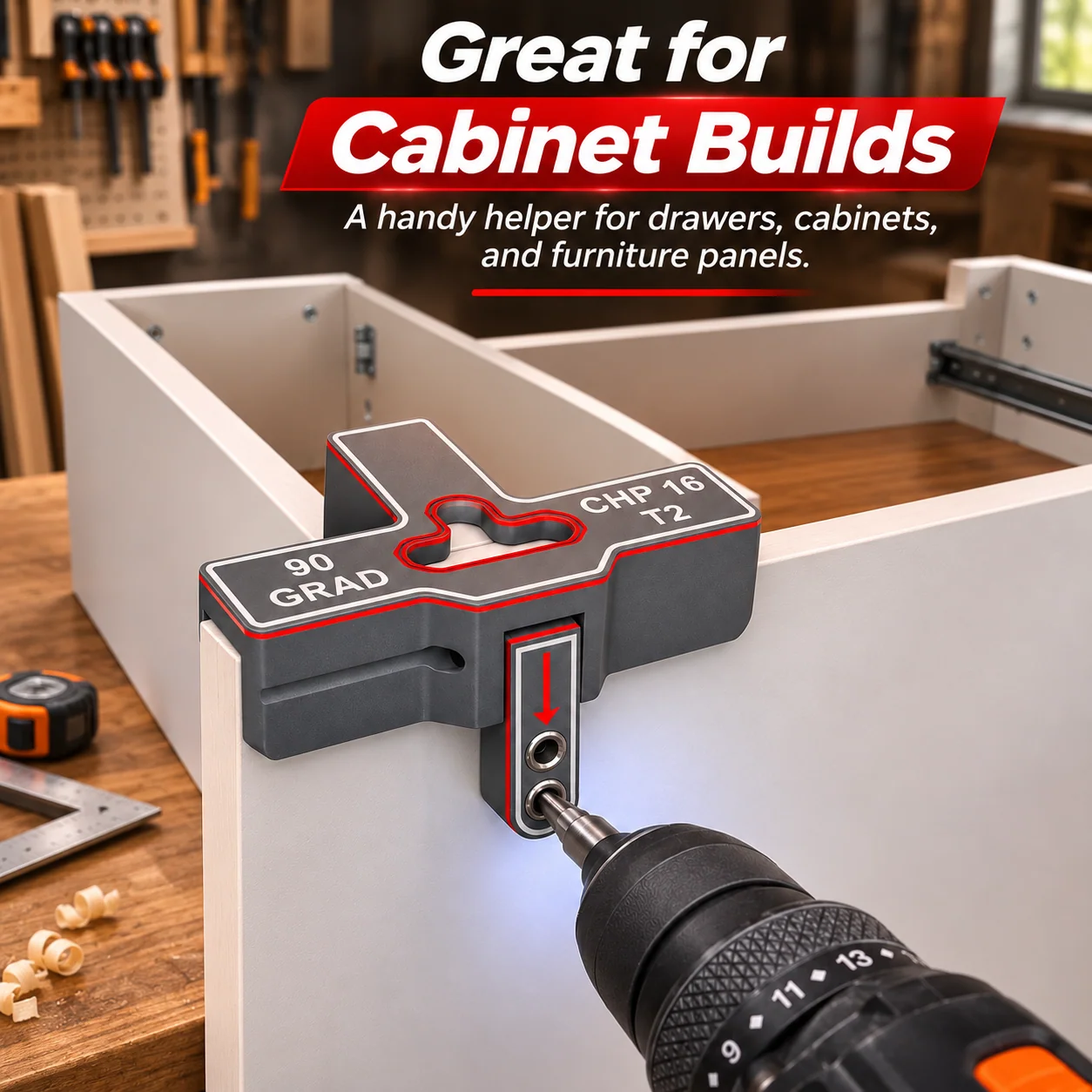
Your Next Cabinet Build Starts at the Corners.
Whether assembling cabinet boxes, drawers or suitable furniture panels, a dedicated corner reference can simplify the layout.
🗄️ Cabinets Prepare corner connections in suitable panels.
🪑 Furniture Assist with layout for right-angle furniture joints.
✋ SMALL TOOL, PRACTICAL PURPOSE
Keep a Corner Guide Close at Hand.
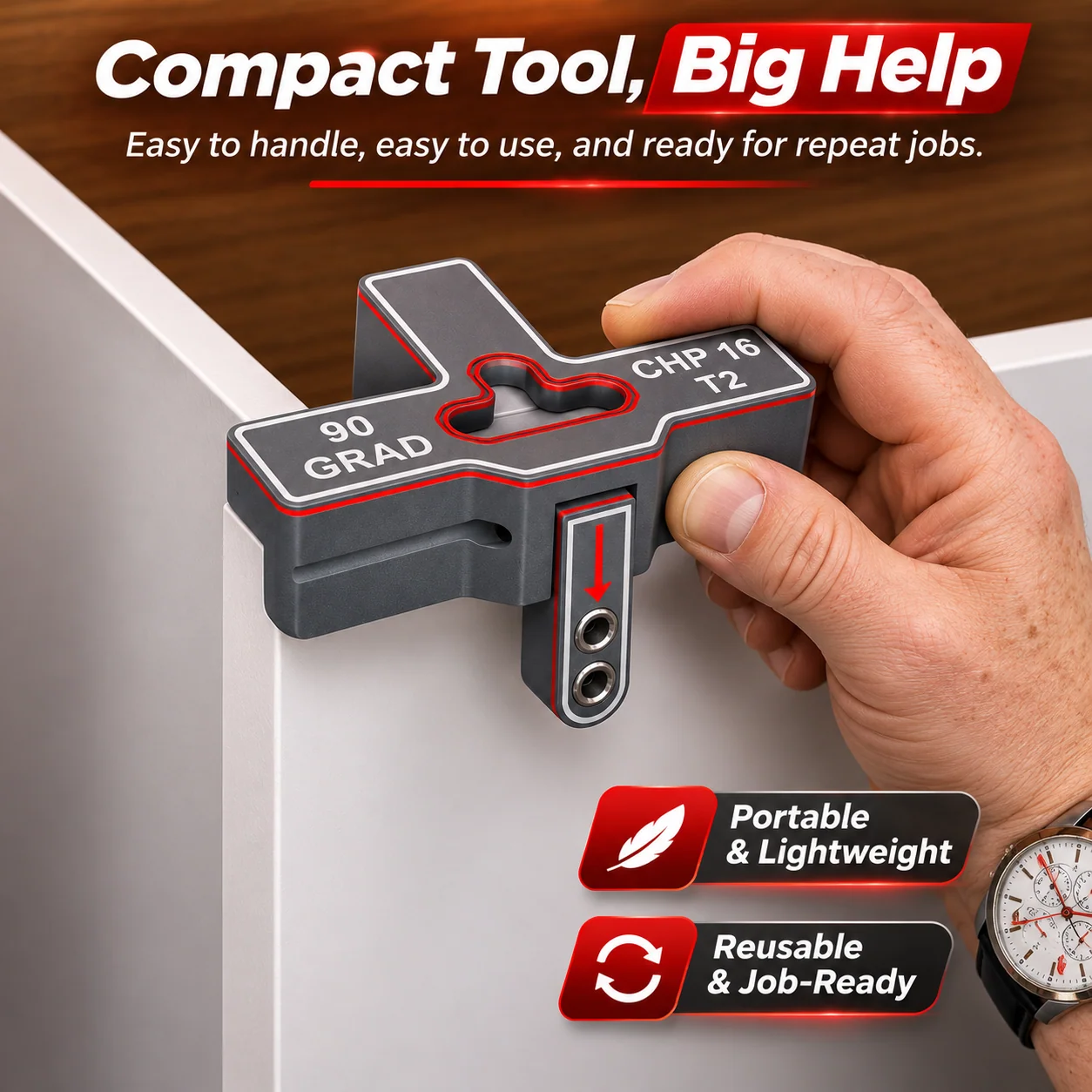
A compact, reusable tool you can reposition around the workshop during repeated cabinet assembly tasks.
✋ Handheld Easy to move between joints.
♻️ Reusable Keep for future compatible projects.
⚠️ Before Drilling
Always secure the workpieces, wear eye protection, select a suitable drill bit, and keep hands away from the rotating bit. Confirm that the panel and fastener dimensions are compatible.
📐 PLACE · GUIDE · BUILD
SMALL TOOL. SMARTER CORNERS.
Make right-angle cabinet assembly more manageable with a dedicated drilling-position guide.
When a cabinet side meets its base, a small shift can move your pencil marks away from the intended joint. Seat the stepped guide against the corner so you can check both hole positions from the same edge.
Look at the two metal-lined openings on the projecting arm. Their positions stay fixed relative to each other when you move the guide to another matching corner. Check that this pattern suits your hardware before making the first hole.
When is a guide worth using?
Square and pencil
A good fit for a one-off joint or hardware that needs custom hole spacing.
The trade-off is that you measure and transfer each hole location to the next panel yourself.
90° corner drill guide
A good fit for repeated cabinet corners where the same two hole positions work for your joint.
The trade-off is a fixed pattern. Your bit, hardware and panel dimensions need to suit the guide.
From a dry fit to a pilot hole.
Dry-fit and secure the panels. Seat the guide against the joint and check where both holes will land. Test the setup on a matching offcut before drilling the cabinet with a compatible bit.
Will it fit my project?
Check three measurements before choosing a jig:
your drill bit diameter, the distance between the hole centers,
and the thickness of the panels you plan to join.
Which drill bit should I use?
Match the bit diameter to the guide opening and the pilot hole
required by your fastener. If you need the bore size confirmed,
ask Xanavelle about this guide
before ordering.
Will the guide hold my cabinet panels together?
The stepped body provides a positioning reference. Secure the
panels independently so the joint stays aligned while you work.
Can I choose my own spacing between holes?
The arm has two fixed guide positions. Compare the center-to-center
distance with your hardware layout. A square and pencil give you
more flexibility when every joint needs a different spacing.
Are the drill bit and fasteners included?
The photographs show the guide in use with other workshop tools.
For confirmation of package contents,
contact Xanavelle
before ordering.
What are my shipping and return options?
Check the store’s
shipping information
for processing and delivery estimates. The
return policy
explains the request window, item condition and packaging requirements.